Apiome Workspace
Schemas and paths, reunited on one canvas with lensed views.
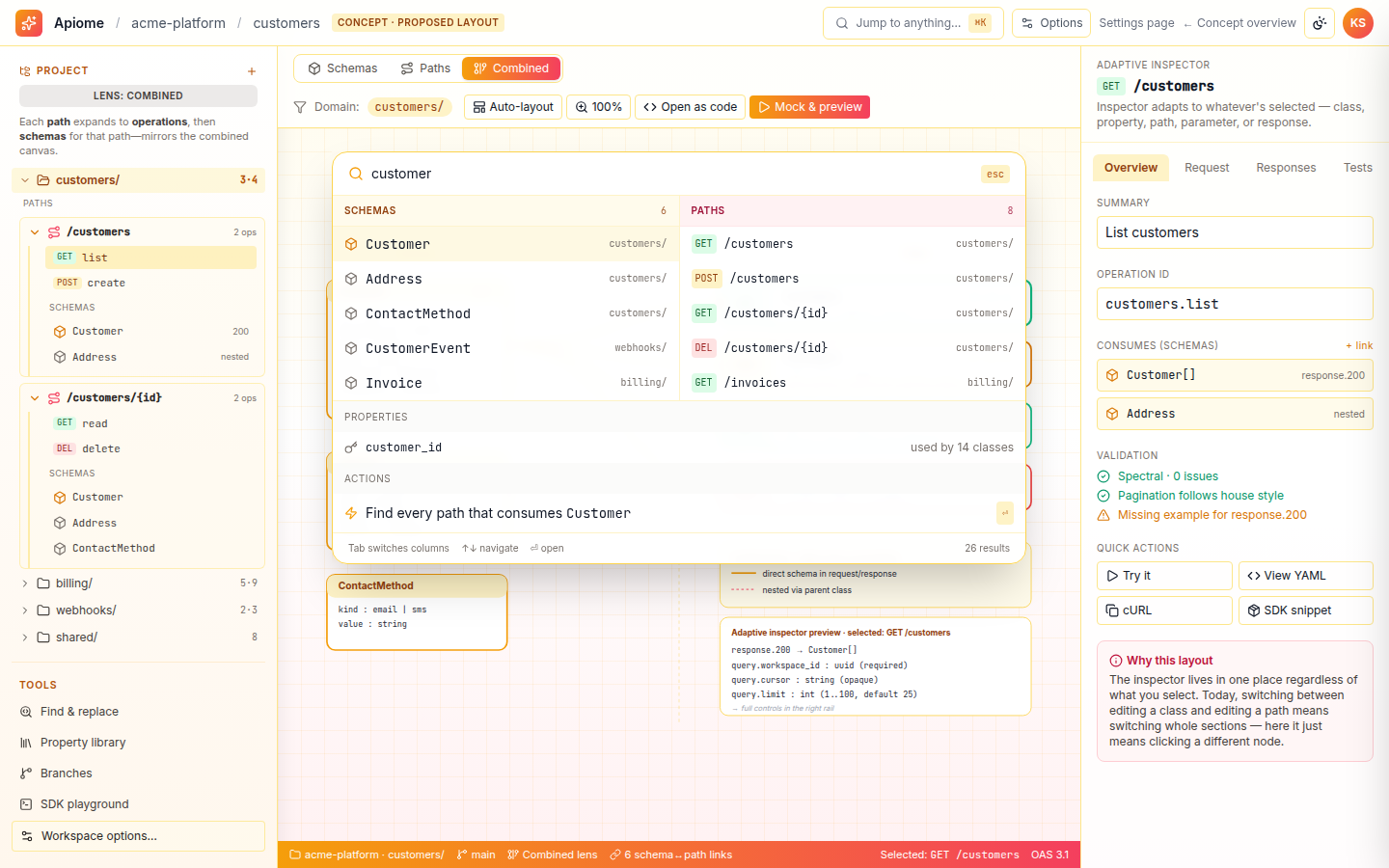
Apiome Workspace is the modern unified layout that ends the context-switch between Designer and Paths. A single project tree, one canvas with Schemas, Paths, and Combined lenses, an inspector rail, and a ⌘K palette bring every artifact into one focused surface. Combined view draws the edges from operations to the classes they consume, so schema-to-path impact is finally visible.
What ships with Workspace
Every Workspace surface is wired into the rest of the Apiome platform — no glue code, no separate identity, no bolt-on integrations.
One canvas, three lenses
Toggle between Schemas, Paths, and Combined without leaving the surface — Combined draws edges from operations to the classes they consume.
Paths with nested context
Each path in the tree is a disclosure: expand to see its operations, then the schemas that path actually uses, grouped per path rather than flattened.
First-class ⌘K palette
Schemas and paths live in separate columns alongside properties and actions, so you jump to any class, path, or property without conflating types.
Adaptive inspector rail
A single inspector reshapes to the selected artifact — class, operation, or property — replacing two separate detail panels.
Density-aware canvas
Level-of-detail rendering collapses nodes into ghost glyphs and clusters as you zoom out, so large domains stay navigable.
Developer tandem mode
Dock a code-first editor beside the visual canvas with a draggable split, keeping graph and source edits in lockstep.
A look inside Apiome Workspace
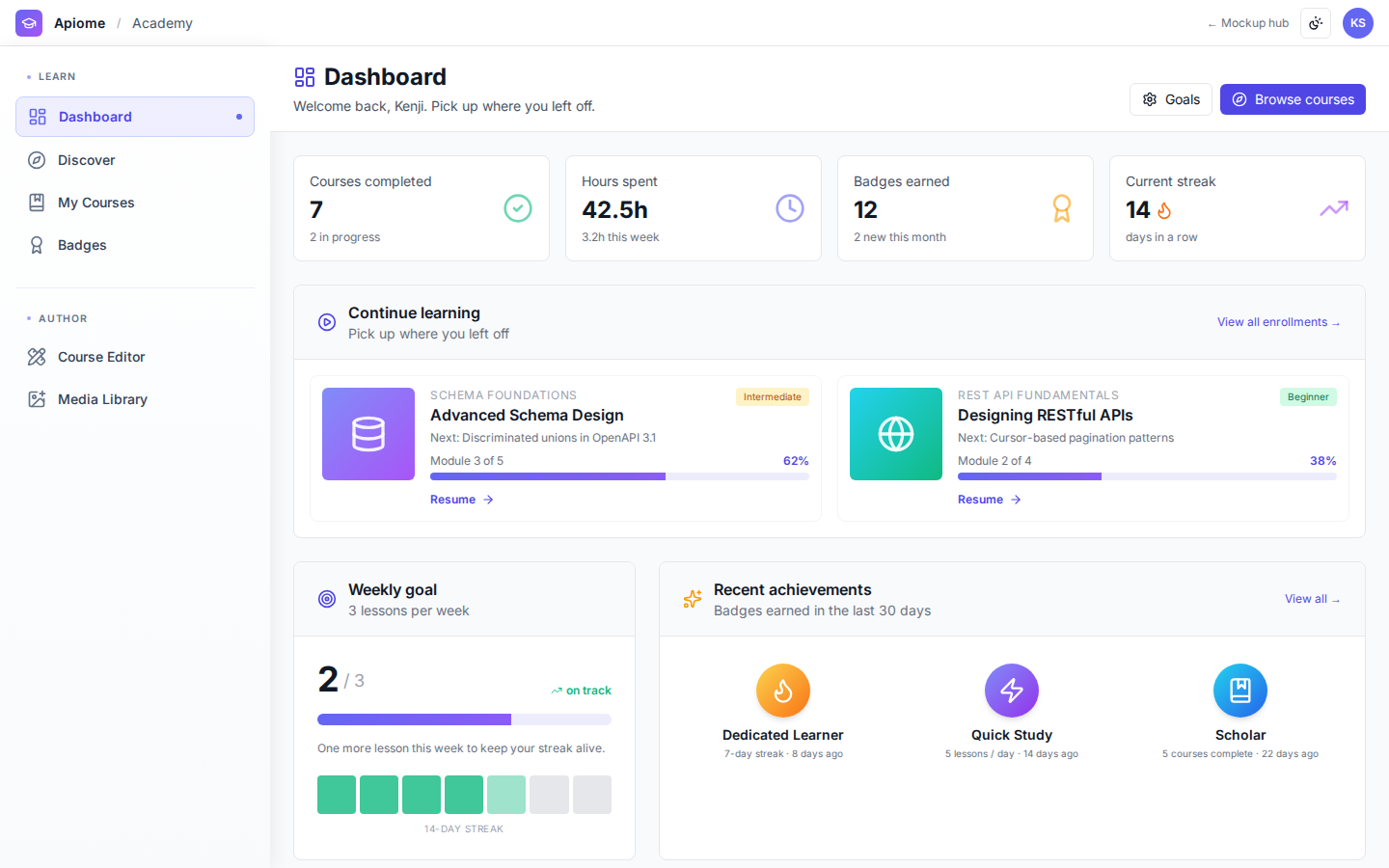
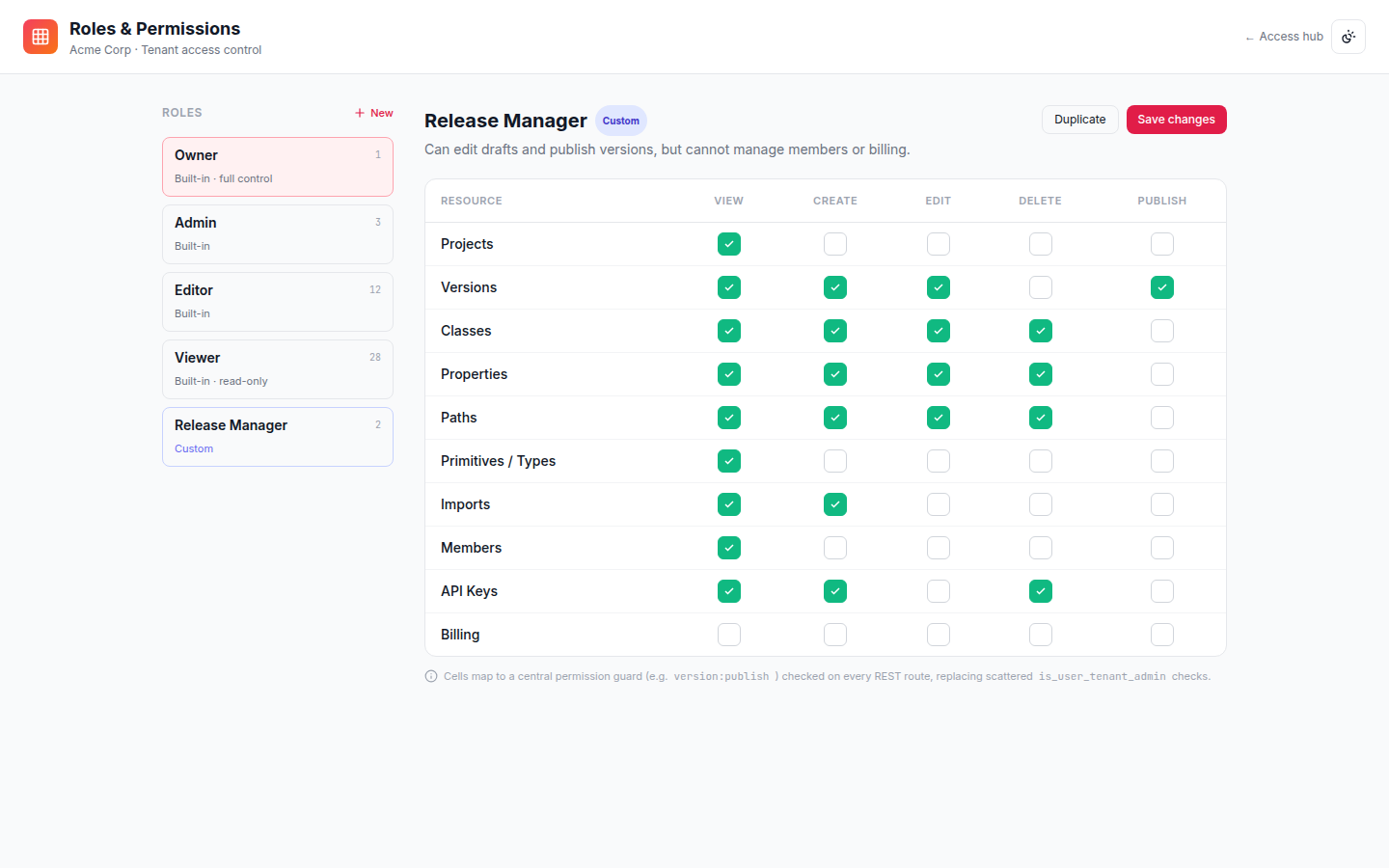
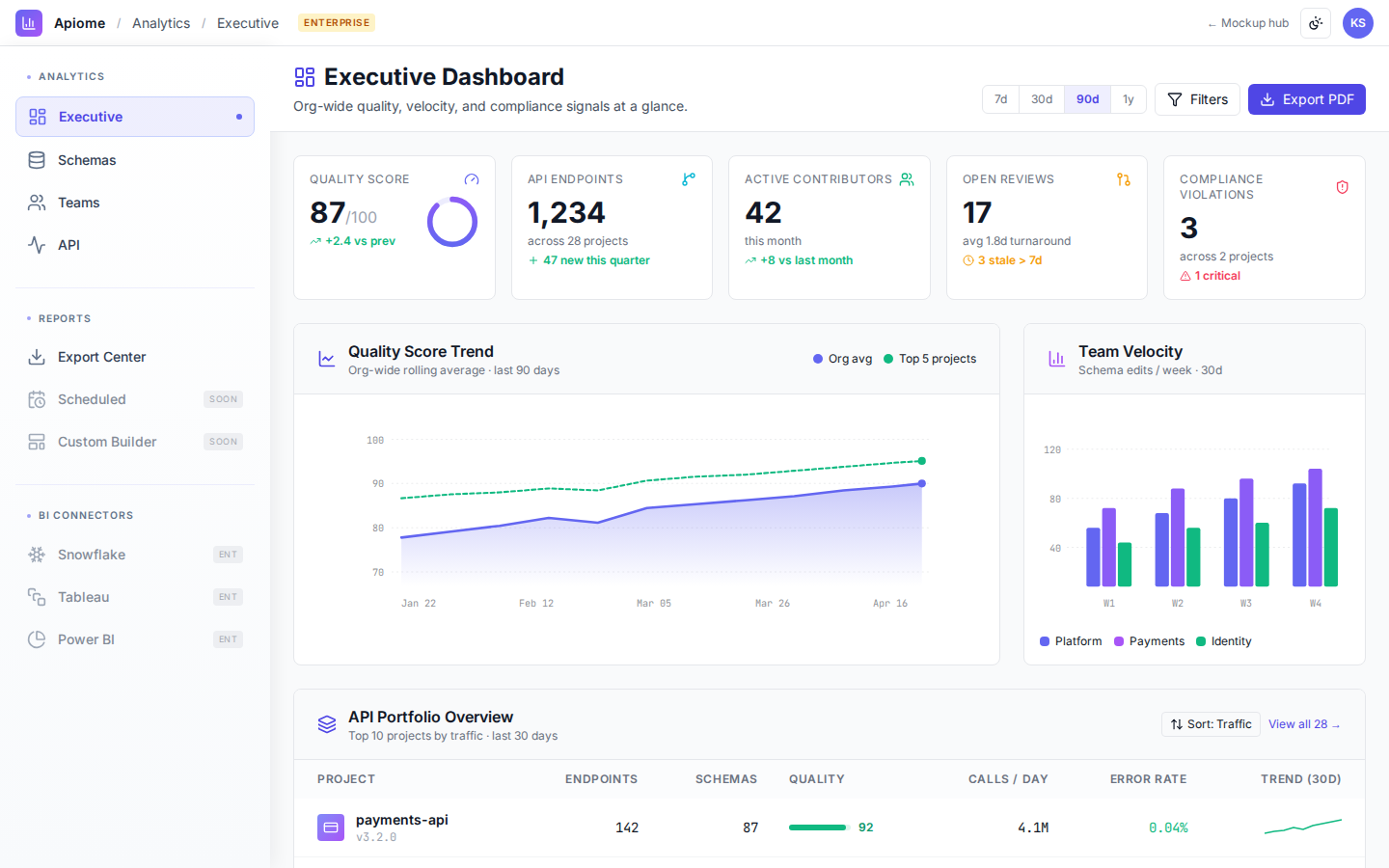
Live design previews from the Workspace mockup pack — 4 surfaces in total.
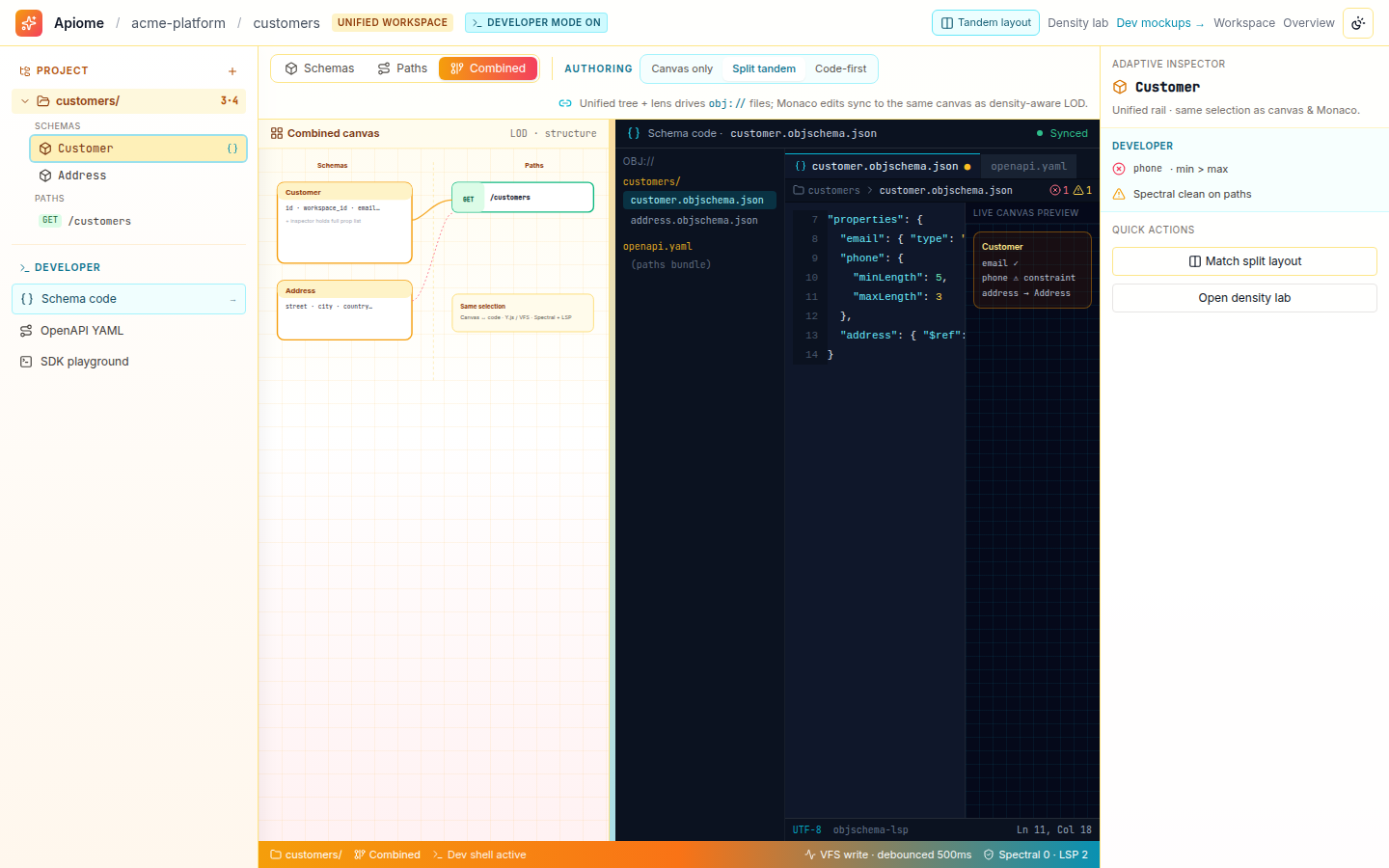
The unified canvas docked beside a code-first developer editor, with a draggable split so visual and text editing stay in sync.
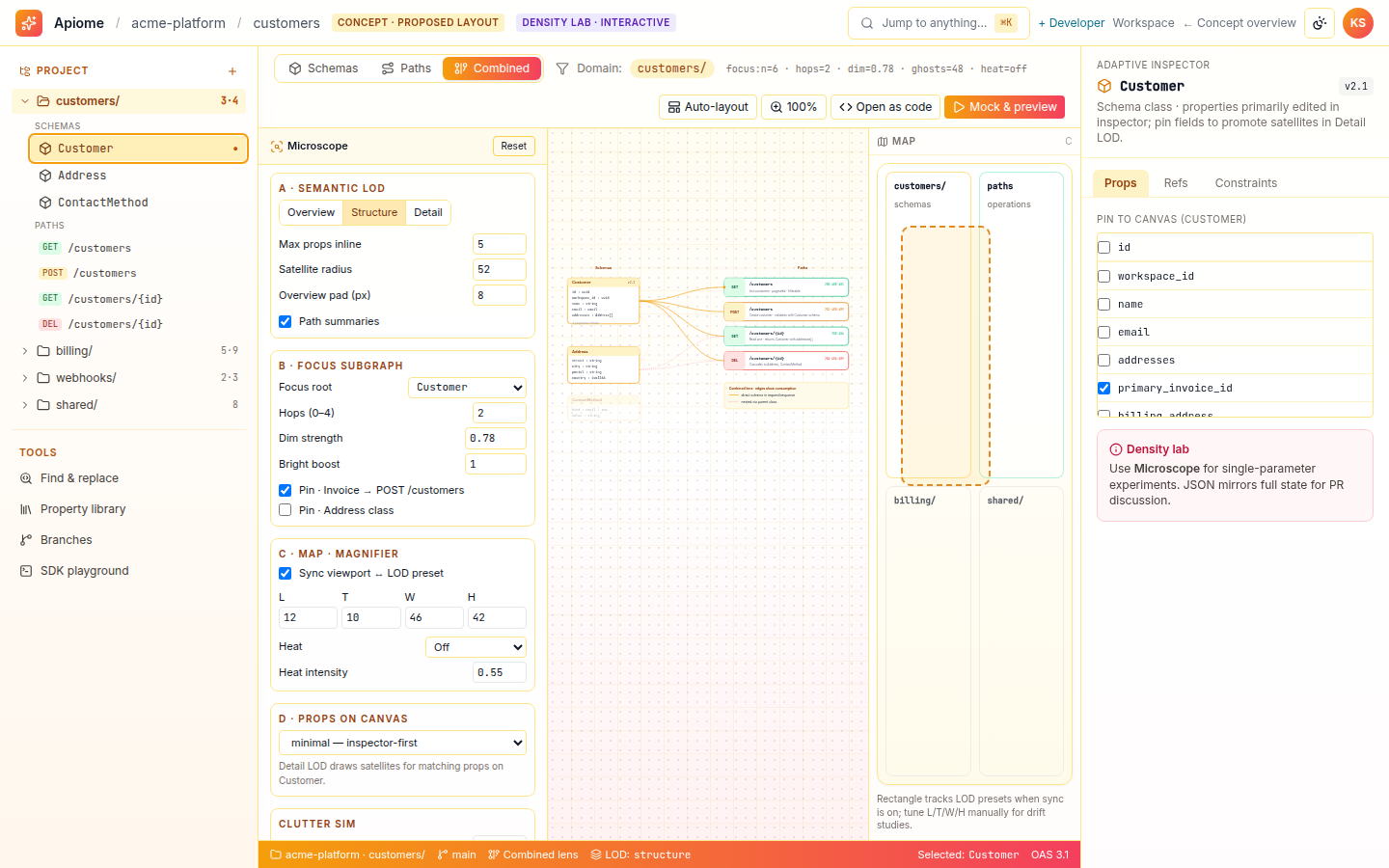
Level-of-detail rendering that degrades nodes to ghost glyphs and clusters as you zoom out, keeping large graphs legible.
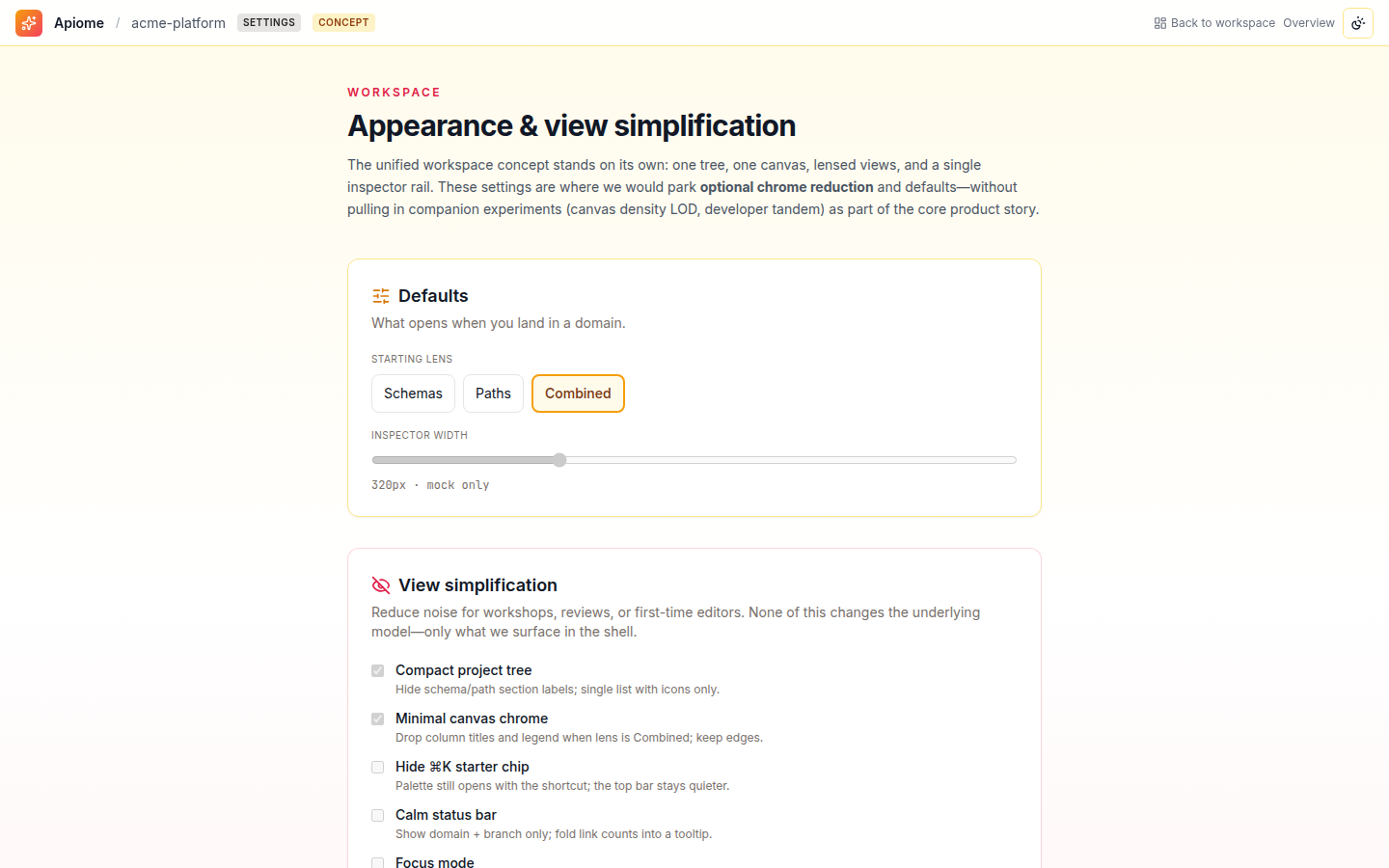
Appearance and view-simplification controls to hide chrome, calm the status bar, and set what opens when you land in a domain.
Use cases
Workspace is designed around the way real teams actually work — not the way a tool wants them to work.
Add a property to a class and immediately see which operations break, without bouncing between the Designer and Paths.
Work the same project in a visual canvas and a code editor side by side, switching modes without losing place.
Read a whole domain at a glance with density-aware rendering, then drill into any path or schema from one tree.
- Per-project default lens and view-simplification policy
- Persisted workspace layouts synced across devices and teams
- Governed developer-tandem access for code-first editing
- Impact-graph export of schema-to-path dependencies
- Org-level appearance and chrome-reduction defaults
- Trace which paths consume a class and flag breaking changes
- Suggest schema and operation edits from a plain-language goal
- Answer cross-lens questions spanning schemas and paths
- Recommend the right lens and focus for the task at hand
An assistant that reads the whole graph
Workspace's AI sees schemas and paths as one connected model, so it can explain impact, propose safe edits, and answer questions that span both canvases at once.
Every WorkspaceAI feature is grounded in your tenant's data, runs under your data-residency policy, and respects every role and ACL the platform enforces.
Every surface in Apiome Workspace
A look at the 4 screens designed for this suite — covering everything from day-1 onboarding to day-100 operations.